
Complete Ordering & Cart Guide: Adding Food, Vouchers, Pickup & Group Feasts
Visual Screen Walkthrough
Step-by-Step Instructions
How to Add Items to Cart & Choose Options
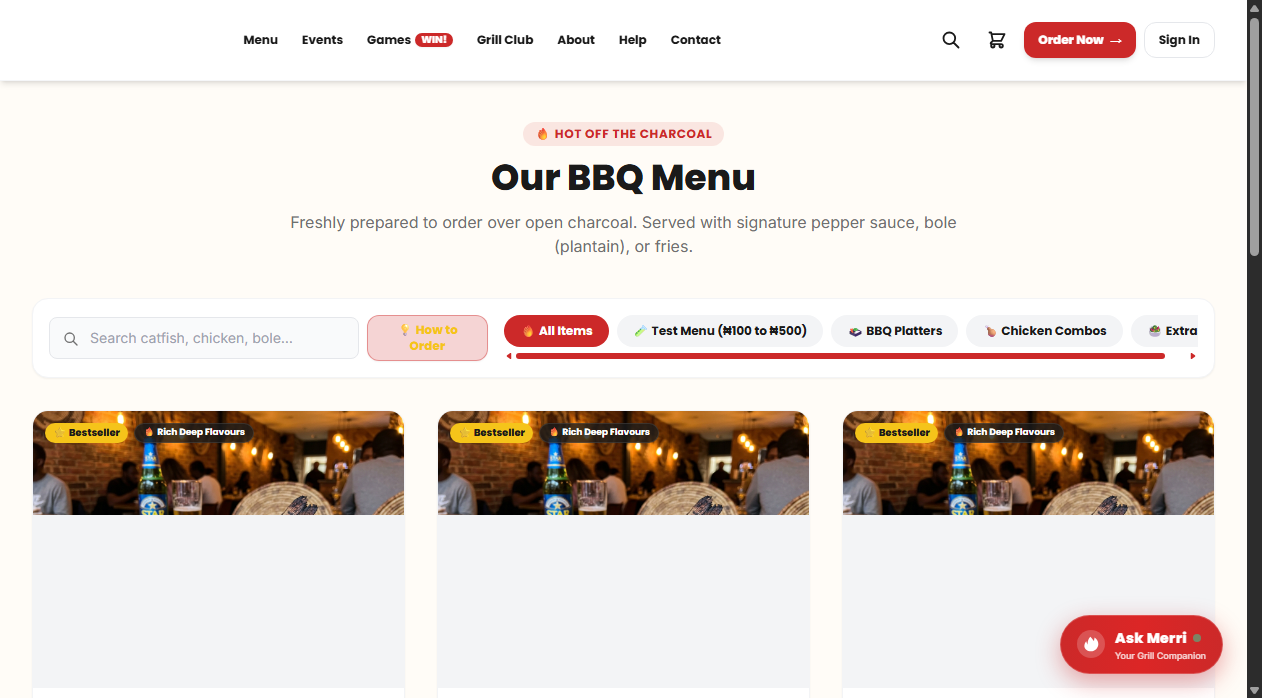
On the Menu page (merrisgrills.com/menu), select your flame-grilled platter. Choose your portion size (e.g. Solo Feast or Feeds 1-2), pick your favourite sides (roasted bole, yam chips, or potato salad), and click "Add to Cart". The slide-out cart drawer will immediately open showing your selection.
What "Free In-Store Pickup" Means
If you want zero delivery fees, choose "In-Store Pickup" instead of doorstep delivery. Our pitmasters grill and pack your food in insulated thermal foil so you can pick it up hot and fresh from our Asaba pit kitchen at your convenience with zero delivery charge.
How to Use Promo Codes & Vouchers
Inside the cart drawer, click "Have a Promo Code?" to reveal the coupon box. Type in your promo code (such as WELCOME1000 or your referral reward voucher) and click "Apply". The discount amount deducts immediately from your order total.
How to Start a Group Room Order
Planning a team lunch or party? Click "Group Order" in the top bar or cart drawer. Enter a name for your group room, click "Share on WhatsApp", and send the link to your friends or coworkers. Each person opens the link, selects their meal, and the host checks out in one easy order.
Which Button to Click to Proceed to Checkout
To complete your order, look at the bottom of the cart drawer and click the large red button: "Proceed to Checkout". This takes you directly to the secure checkout page to confirm delivery address, choose your batch slot or pickup, and make payment.
Detailed Explanation
Did this guide answer your question?
Your feedback helps us continuously refine the platform documentation.
Related Topics in this Category
How do I place an order?
Ordering on Merri's Grills is seamless. Go to merrisgrills.com/menu, add your favourite grilled items to cart, then proceed to checkout. You...
KB-021Do I need to create an account to order?
No! You can place an order as a guest without any account. However, joining the Grill Club is 100% free and instantly unlocks ₦